All posts by admin

Nintendo Switch – first impressions with a mind on Splatoon

First off I’d like like to talk about ergonomics. Below you see the left and right controllers docked in the Pro style controller dock. “Joy-Con Grip” They probably added the word “grip” because it will be easy to hold. It looks like it has good ergonomics. More below on this.
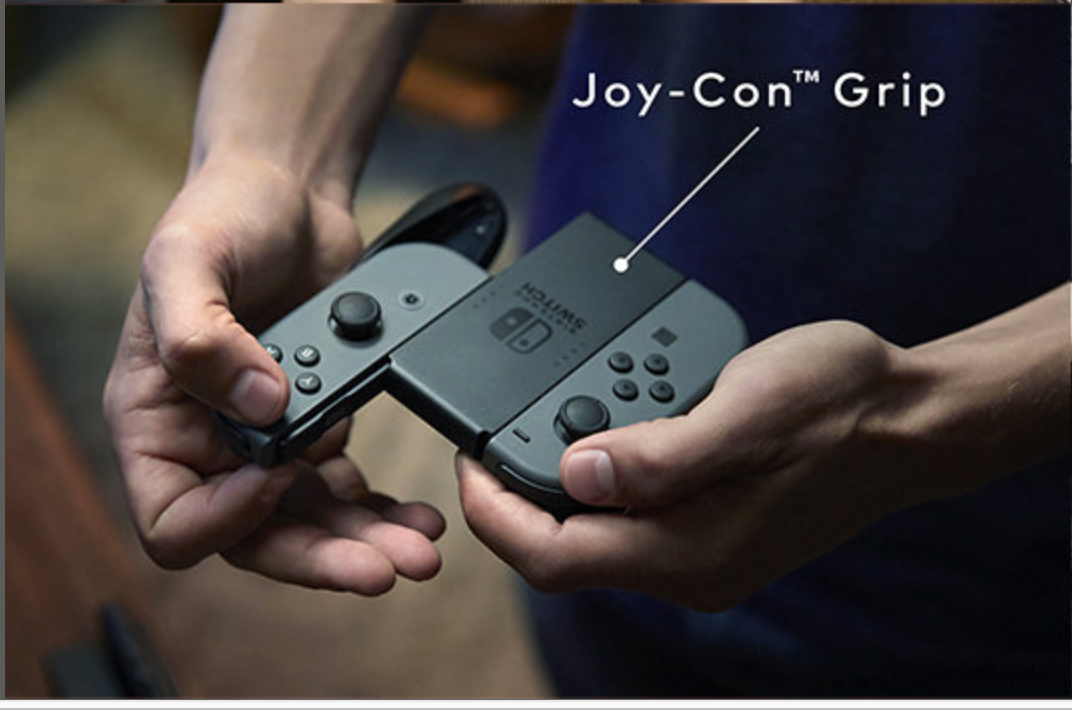
joy-con-dock

The left and right controller modules are removable and can be docked into this Pro controller like device.

joy-con-dock3

Below is the side view, you can see the dimension. In terms of ergonomics this controller dock looks very comfortable.
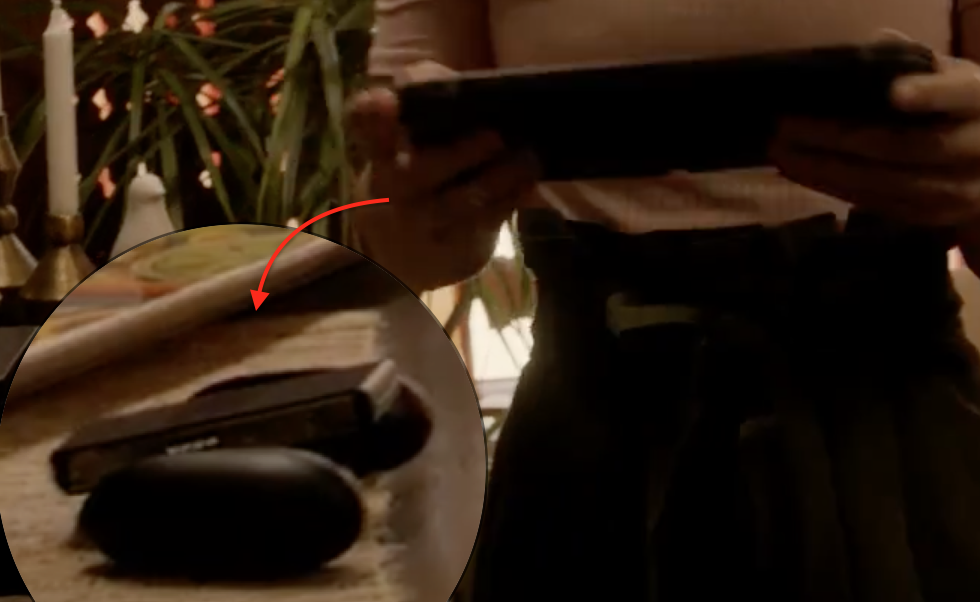
click-dock-shape

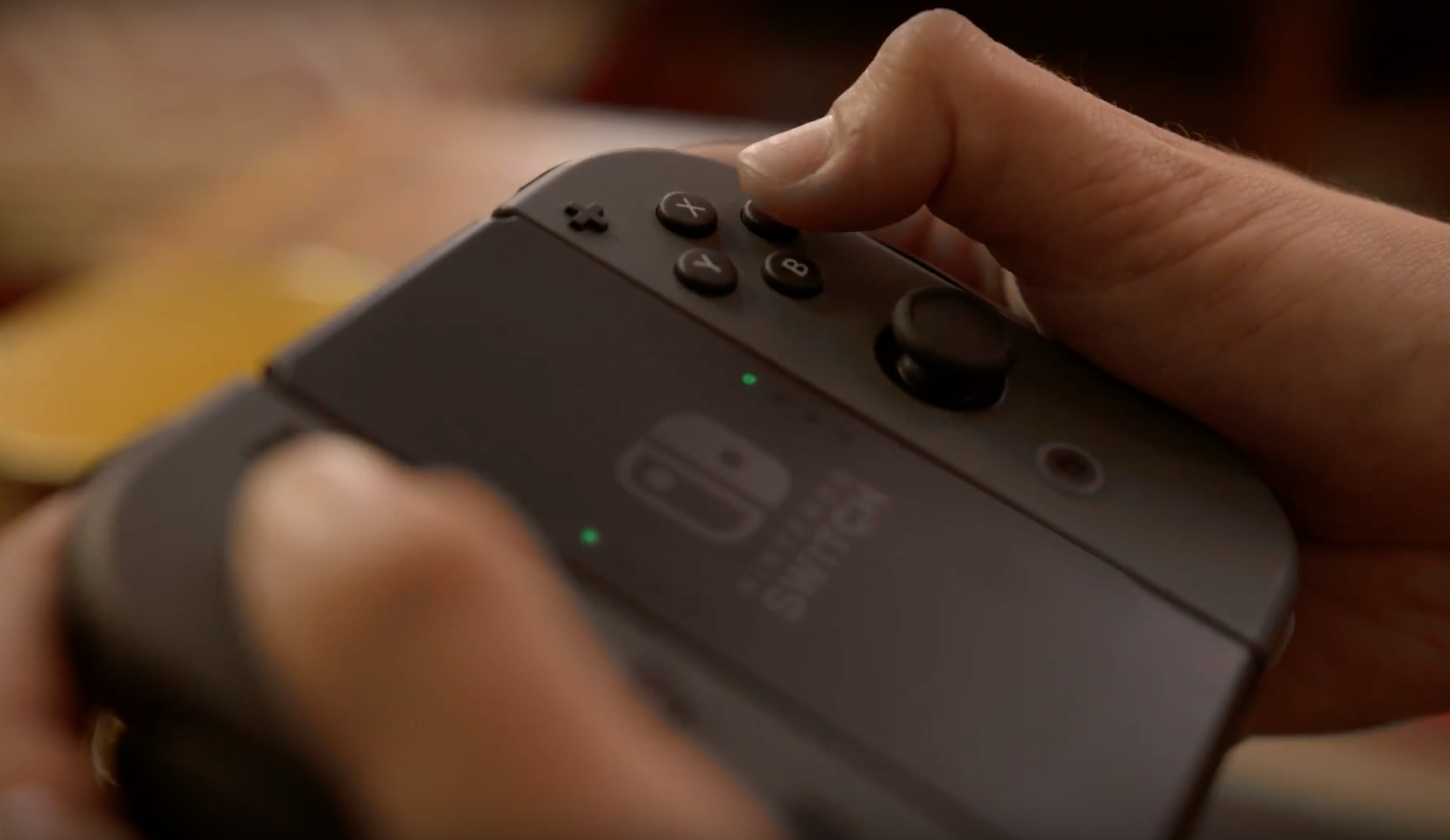
In the photo below you can see the joystick is now below the buttons. I don’t know what it will mean for adjusting the camera in Splatoon. It may make it a bit harder, but the buttons above seem easier to reach now. By the way look at the way this persons thumb is bent. It’s almost at a right angle. My thumb only bends about a third as far.
joy-con2

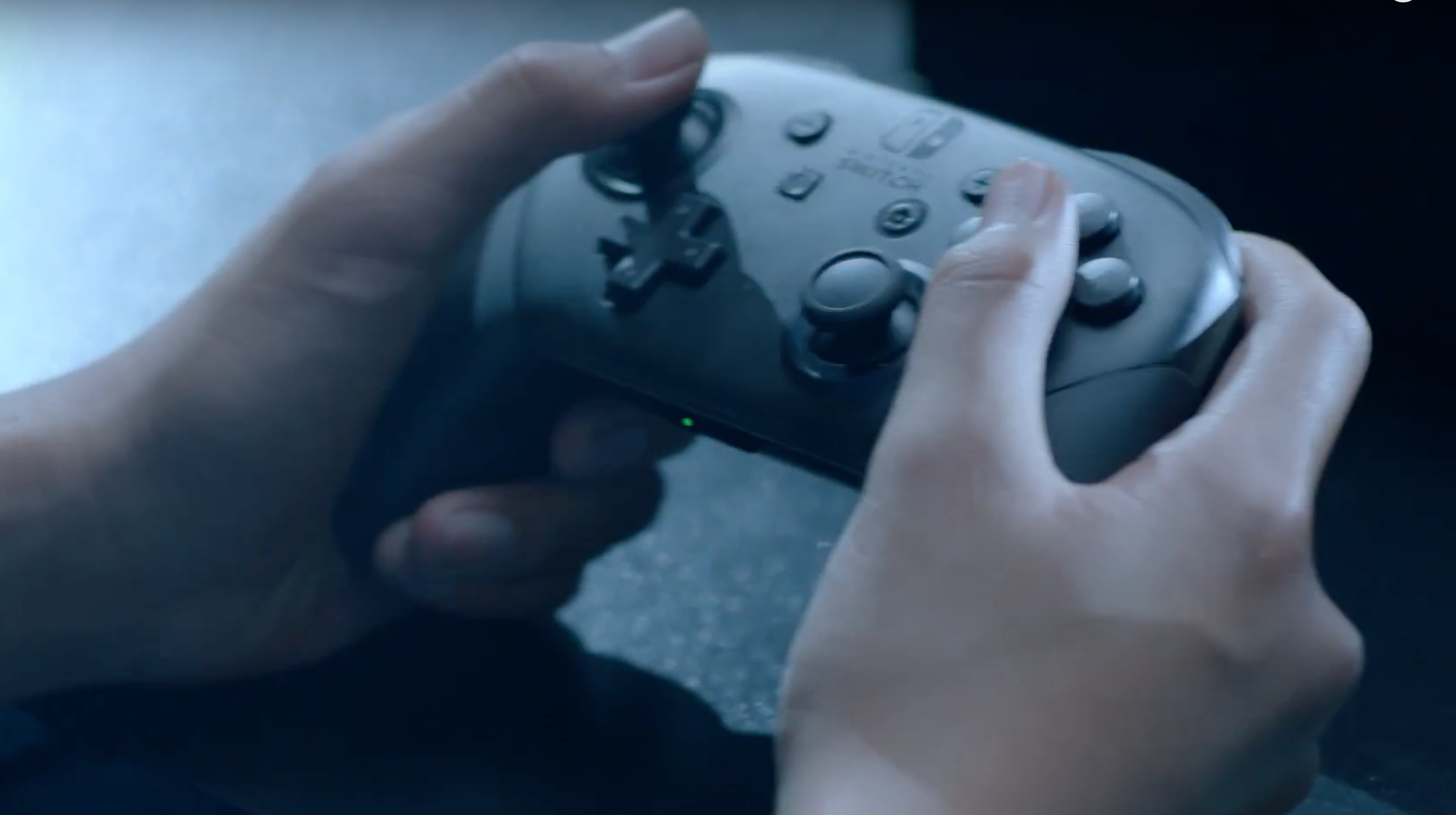
The image below  was in the video about half a dozen times, so I think the Pro controller will work with Splatoon. They also show it during the Splatoon tournament video.
pro-controller

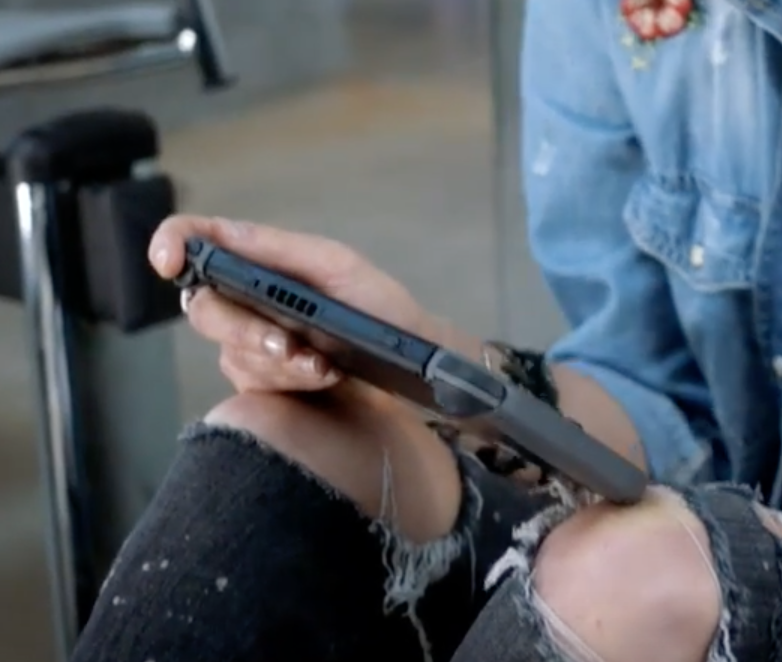
This is what it looks like when the controllers are docked on either side of the main screen. It’s flat. I wonder how comfortable it will be to hold for prolonged gaming.
flat-one

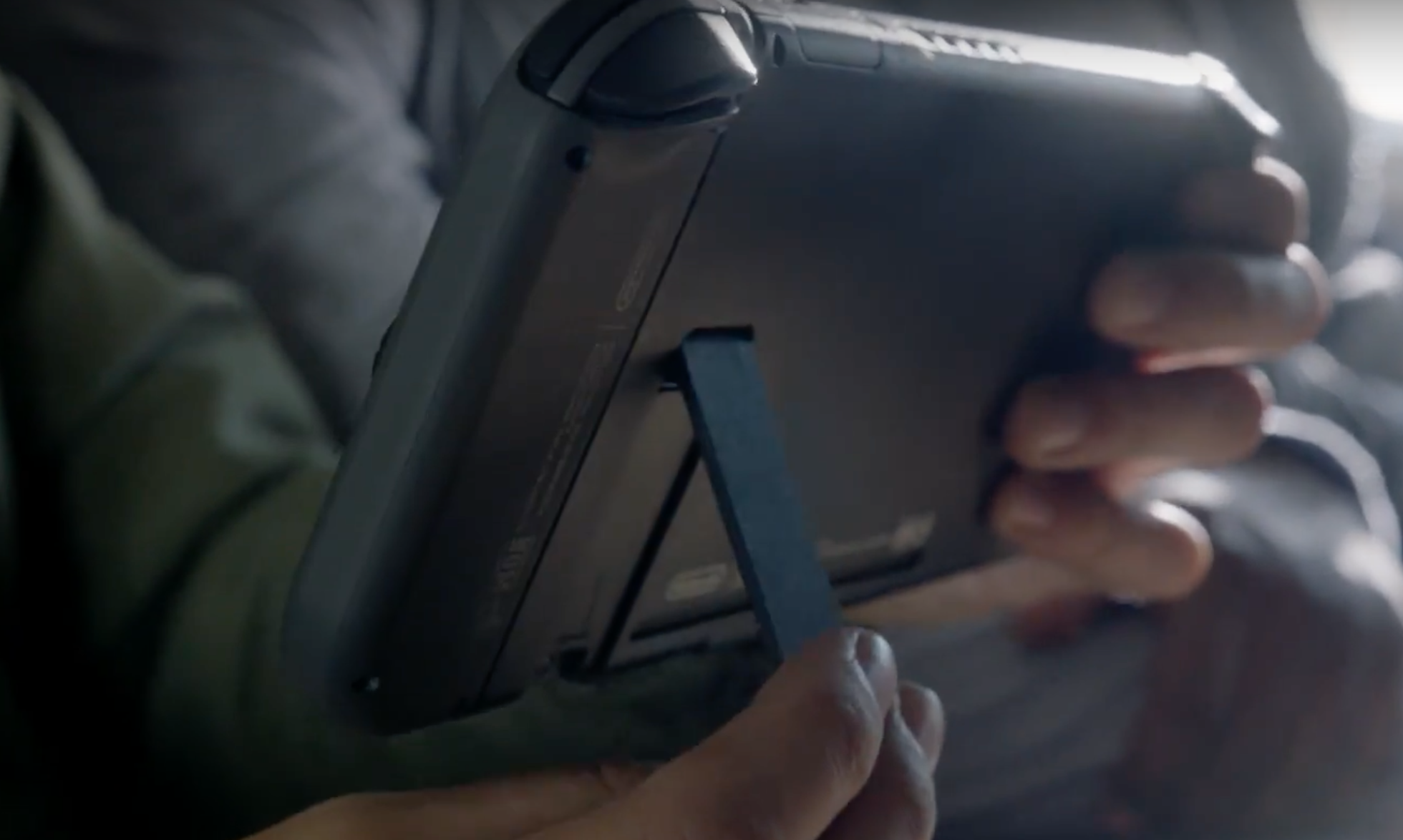
Here’s another image. I don’t know if splatoon will continue to be be played in this controller configuration. After all we have our Inkstrikes to launch! This could be a bit heavier then the Wii U controller too, but I’m not sure. Thinking further, maybe Nintendo has changed it so we can launch ink strikes with the pro controller. I can think of a way this could be accomplished.
flat-two

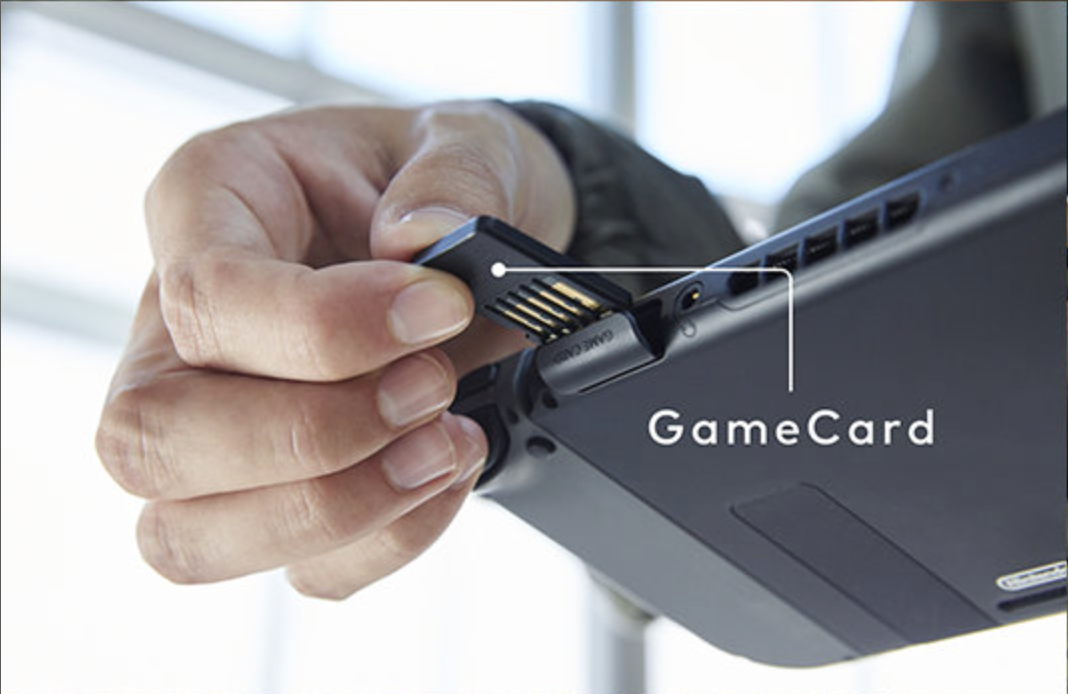
Looks like games will now be on a “game card”. We have come full circle, this is just a smaller version of the cartridges of days past. To me it doesn’t look like a standard SDCard. It looks a bit too thick. So, I think it will be propriety. I like the idea of this compared to CD size disks.
game-card

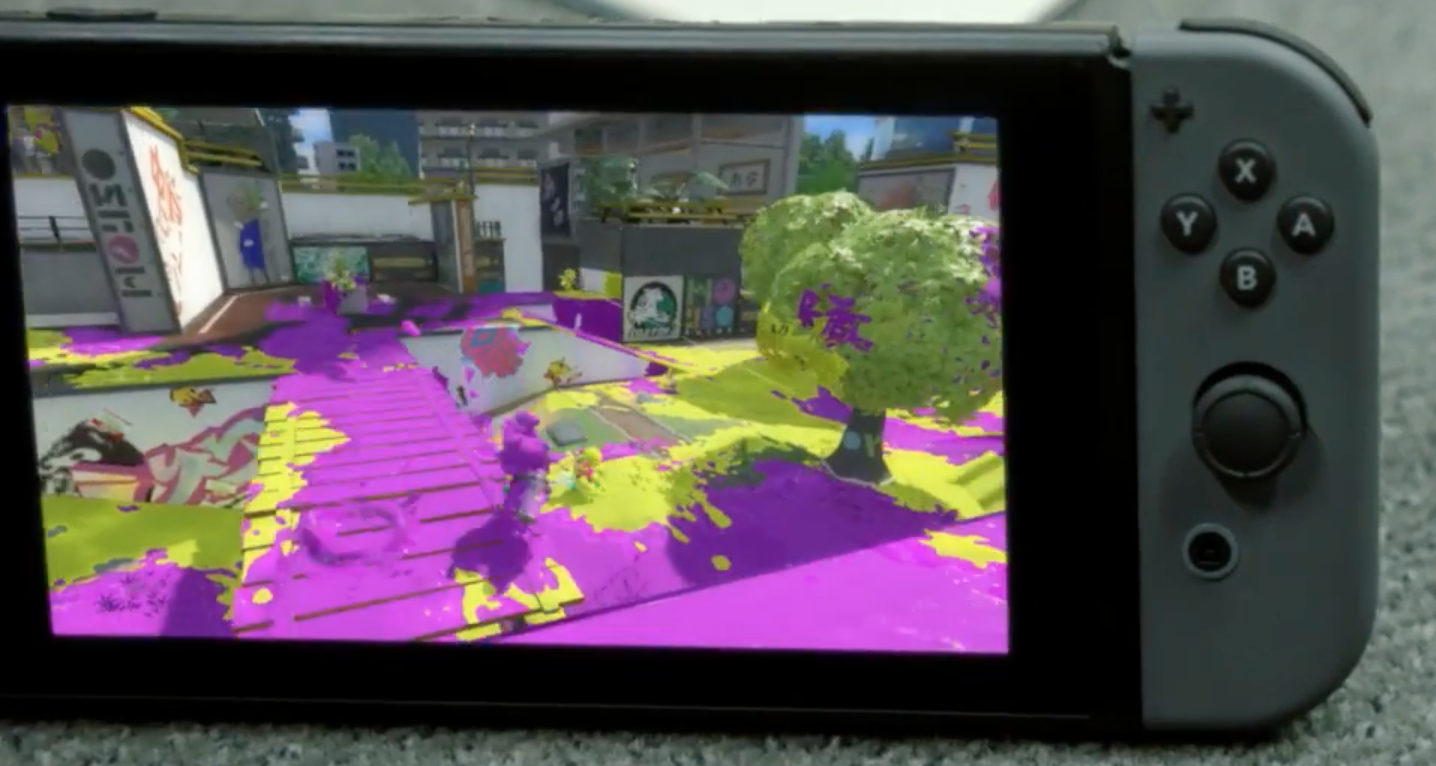
Look like there is a good deal of focus on Splatoon. Here is an image of a new map. Reminds me of Urchin underpass.
splatoon-new-map

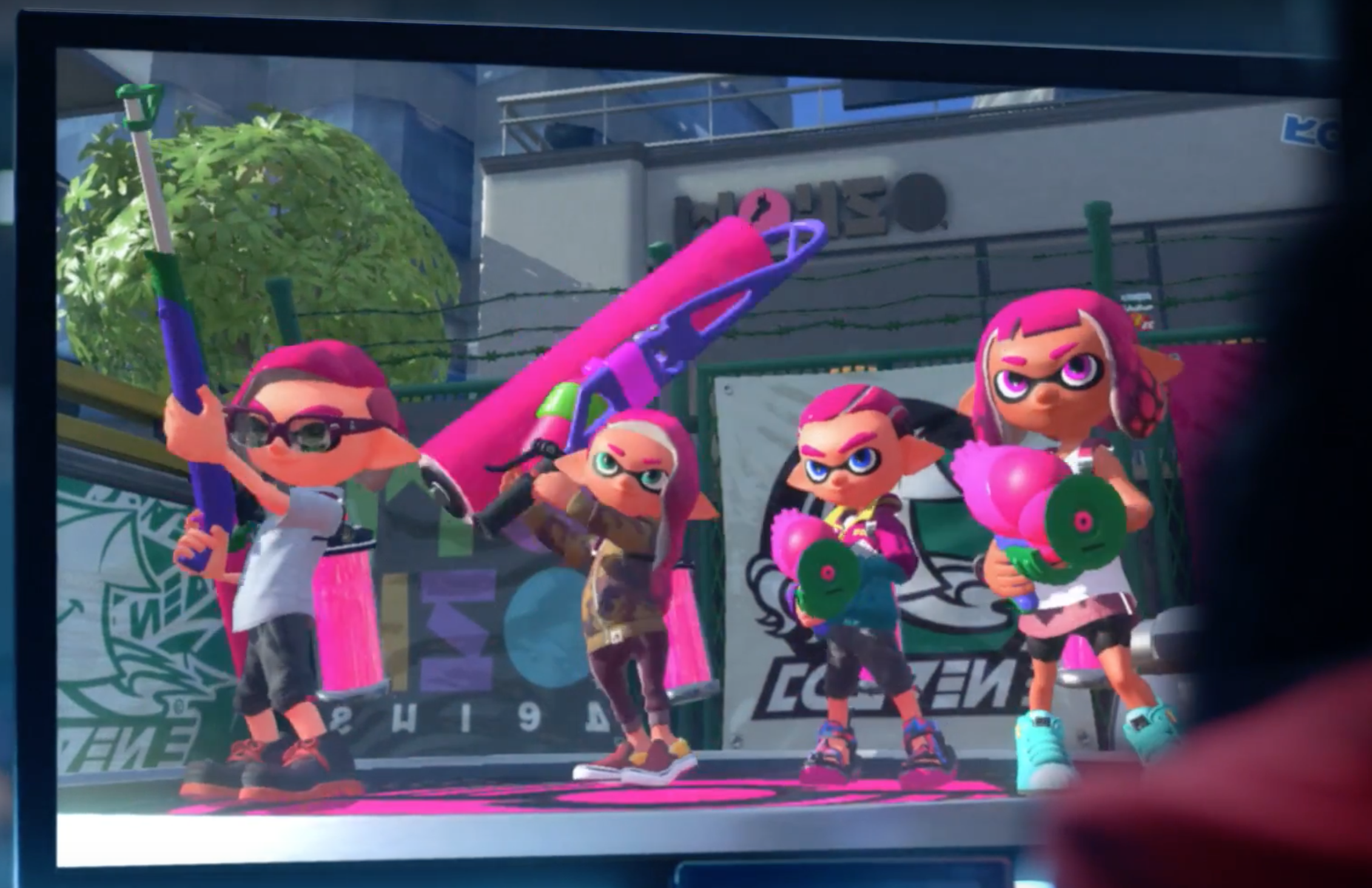
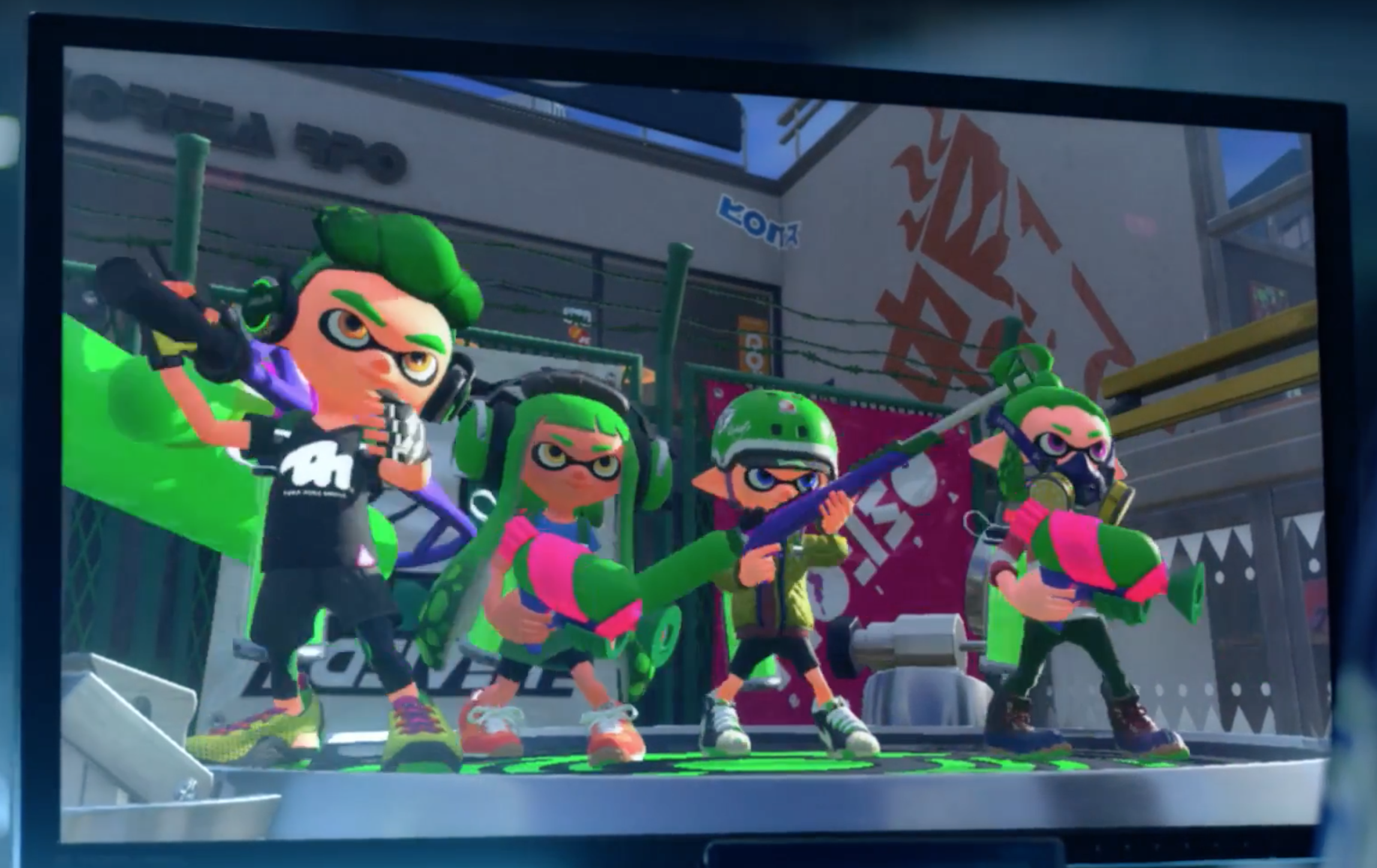
Here are some Inklings, I see new gear, hairstyles, and different markings on weapons.
splatoon-characters

Here’s some more Inklings

inklings2

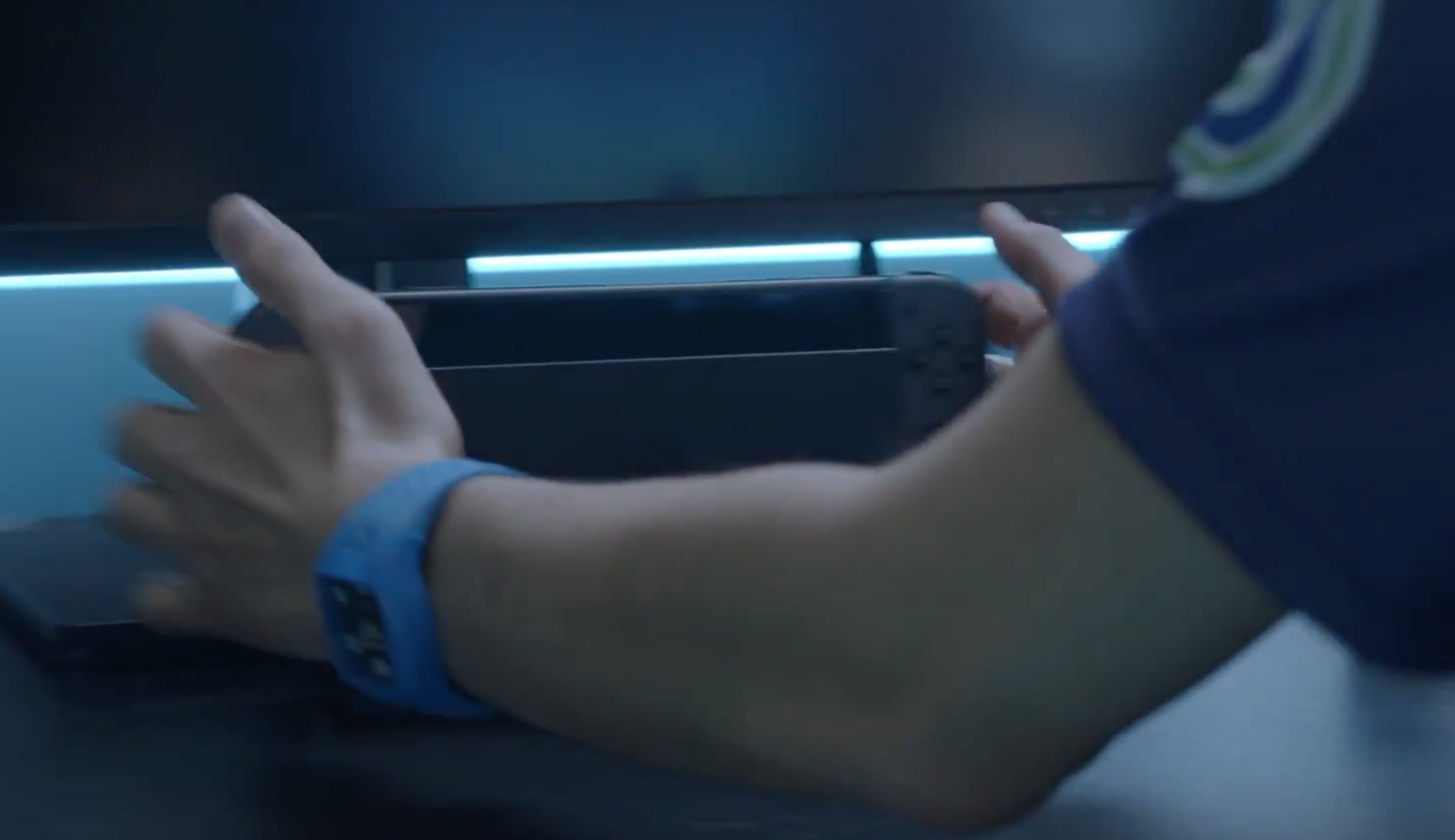
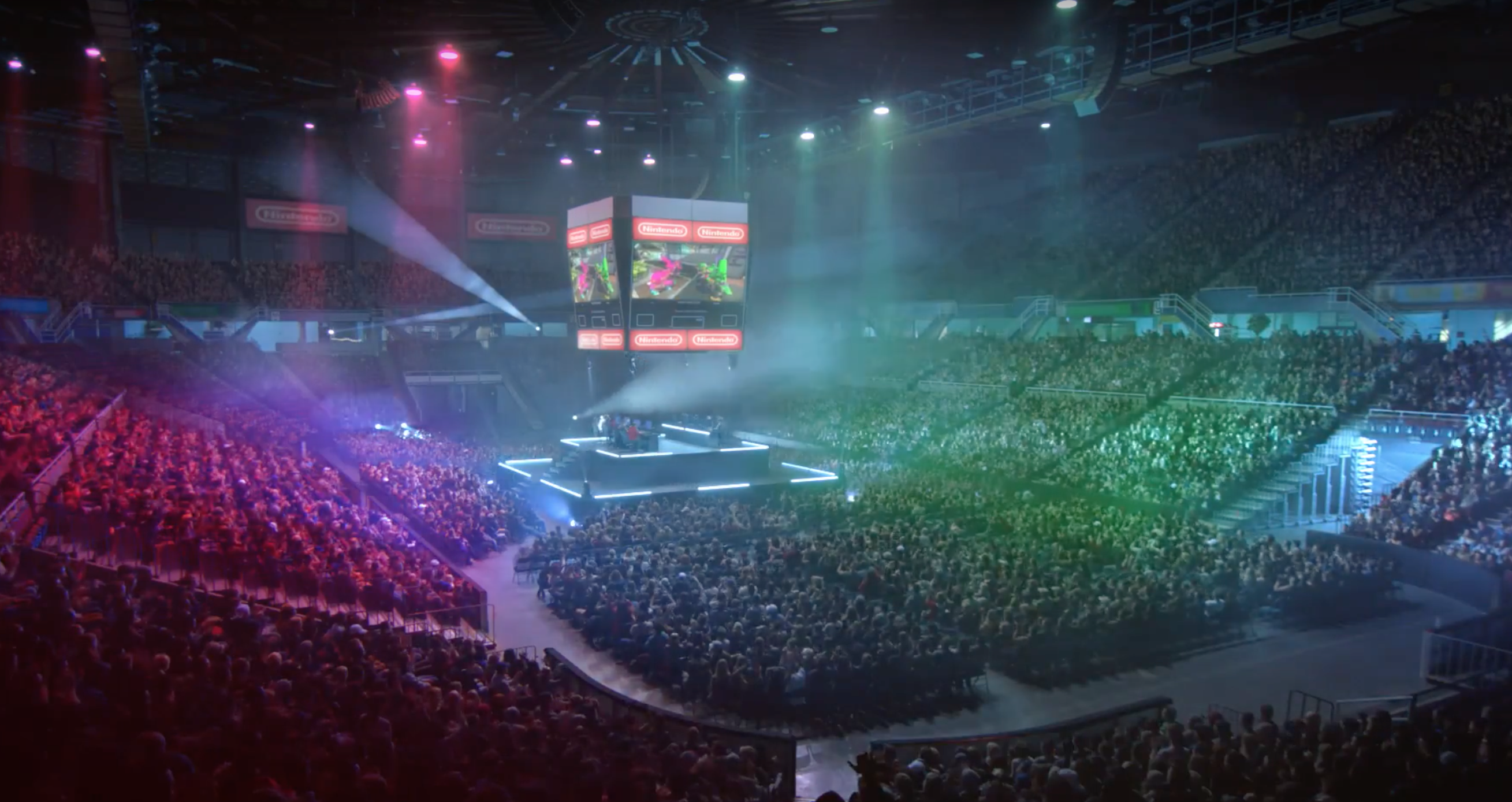
It also looks like you can now bring your console to the big game. Take the console with you and dock it at the tournament, which makes it convenient to have your Inkling and all their gear. Now maybe western teams will stop tilting about gear and specials when they get beat by Japan. In the image below they show a competitor docking their Switch at the tournament.
controller-at-stadium

The big game, hoping there is spectator mode!
stadium

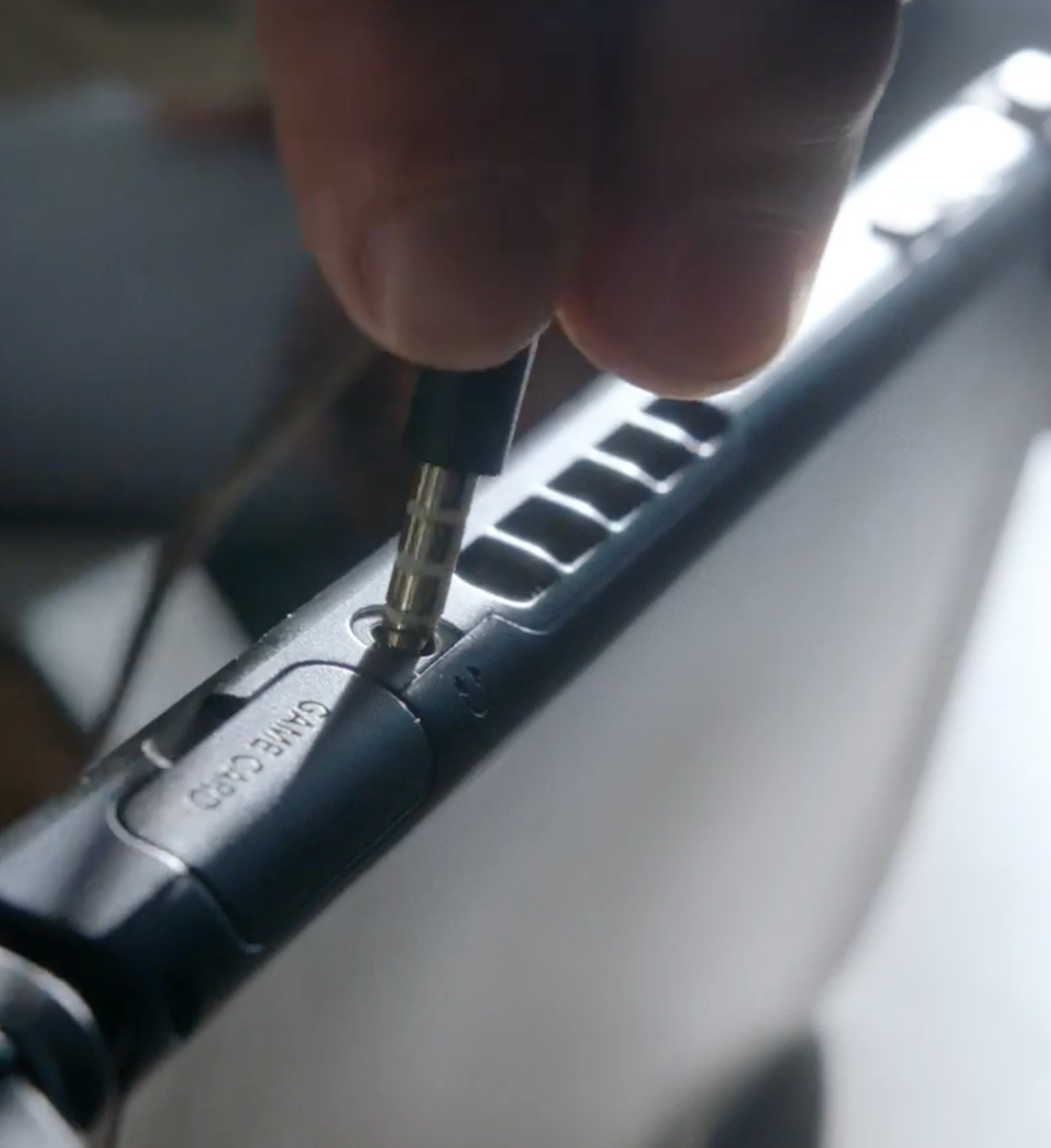
One last thing… Not a propriety lightning port, but an earphone jack!! Take that Apple.
earphone-jack

I’m very excited about the new Switch.


Elgato HD60 on Mac – Game Capture HD – Bitrate & video quality

The confusing way that bitrate works with Game Capture HD

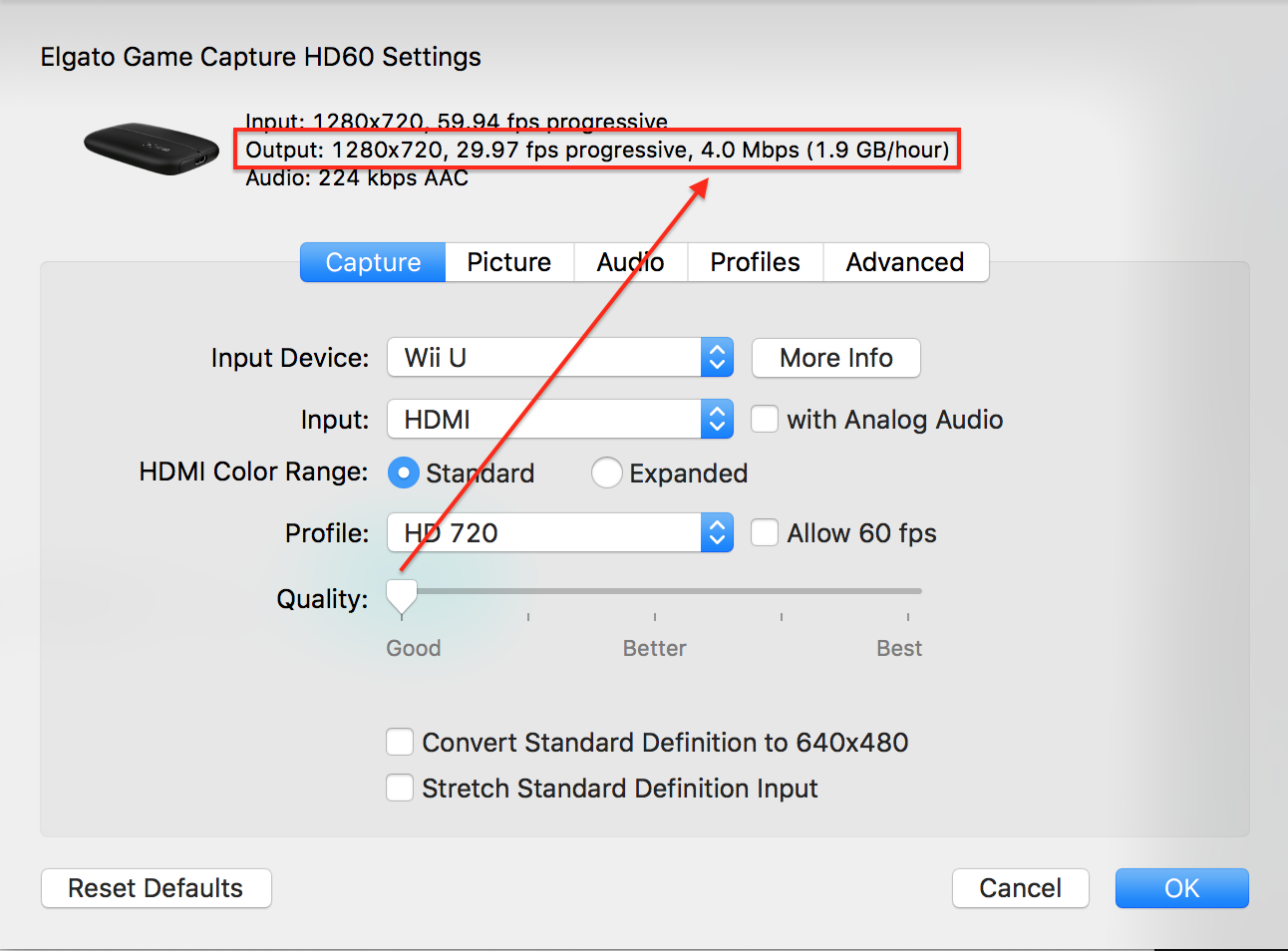
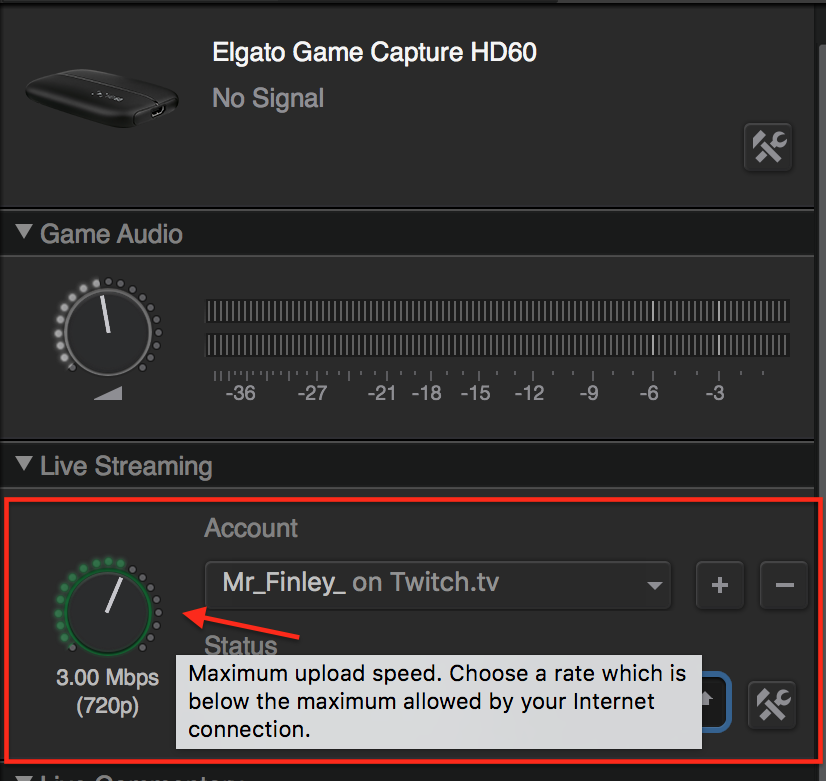
Above photo: When I started using Game capture HD I thought this was the adjustment for bitrate. It turns out this is only the setting for the maximum bitrate. The actual adjustment is in the settings of the Elgato. It’s the little hammer and wrench icon.

slider1

Above photo: The quality slider sets the bitrate. When you move the slider in the above image the bitrate will change, it goes from 4.00 to about 15.00.  When I actually start streaming it changes to 2.5Mbps. Possibly a bug. I’ve found out through testing that your actual bitrate will be .5 less then your maximum (the dial on the main page) at any slider setting (good – best). So, I had my maximum bitrate set to 3.00Mbps, then moved the slider to any setting, start streaming and I’m at 2.5Mbps.

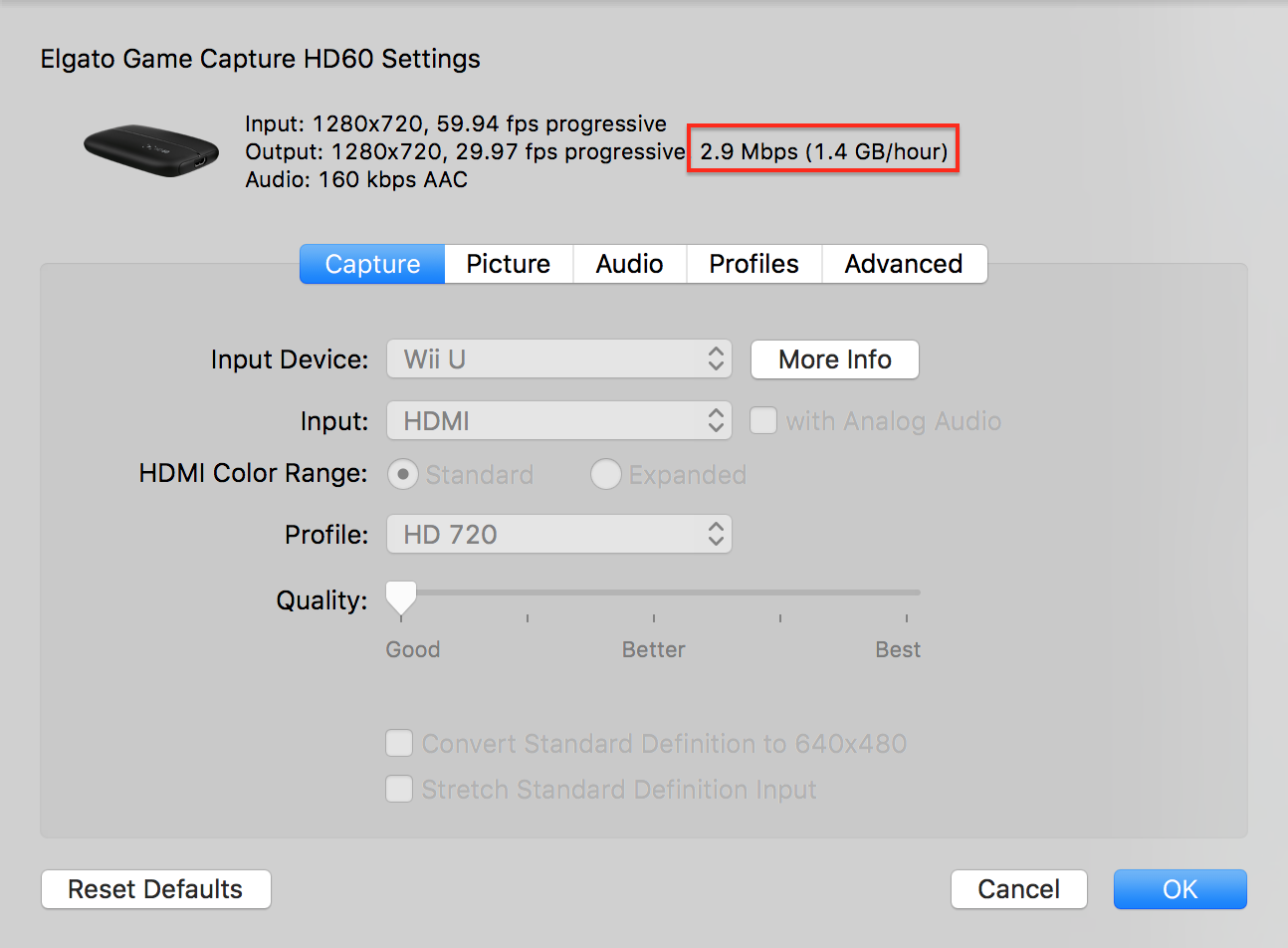
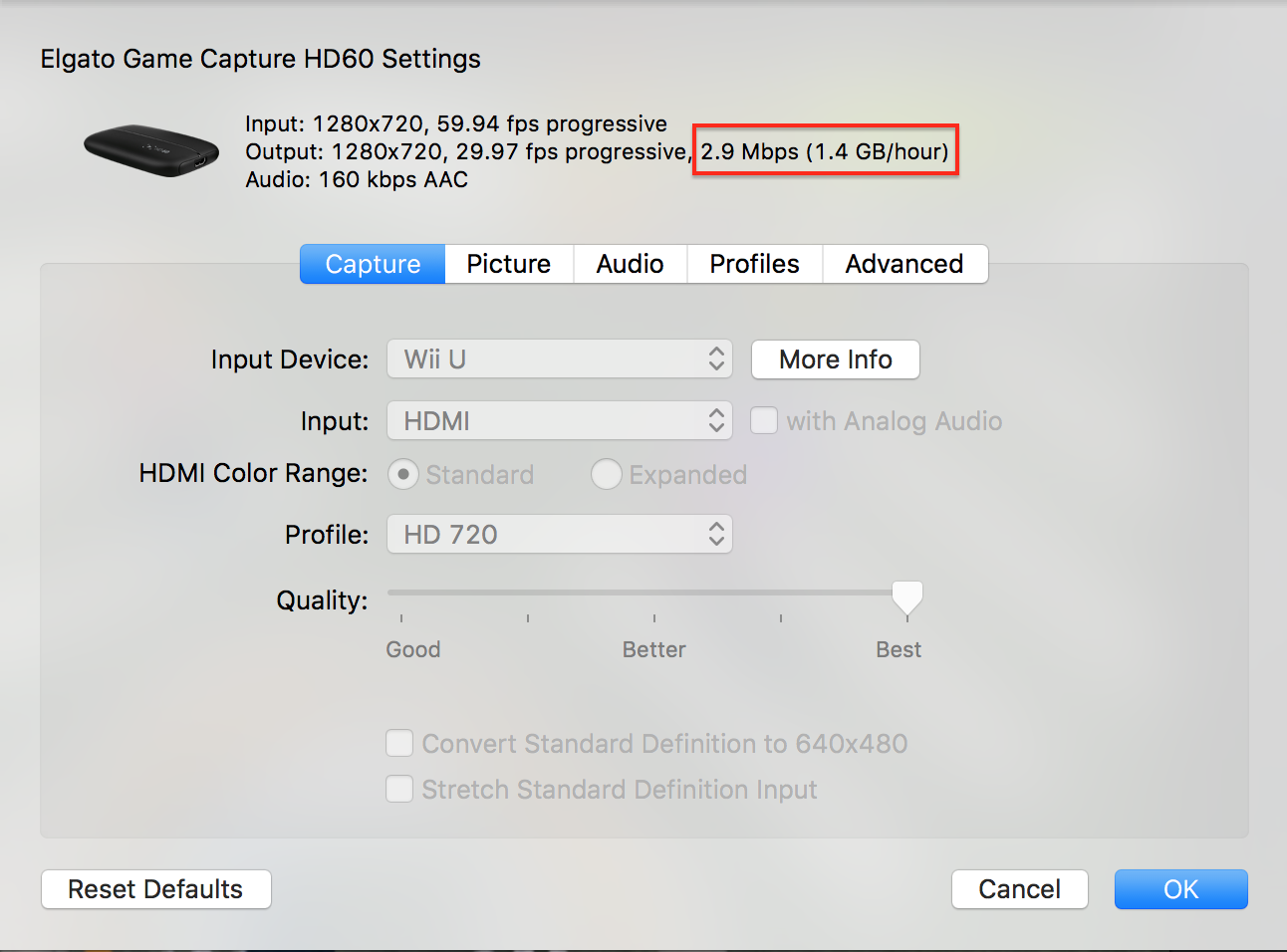
So, now I’ve tested this, and I do not understand what the quality slider actually does. I’ve set it to the lowest(good), and the highest (best). The bitrate does not change. Here are two photos. My max is set to 3.50mbps.

lowest higest

Above: The left shows the slider at the lowest and right shows the highest. The bitrate is the same for both and my Twitch stream looks exactly the same with either setting. So, I have no idea what the slider does.

Sample videos at different bitrates using Elgato Game Capture HD.

This is a video capture at 1.50 mbps [max set to 2.00]

This is a video at 4.50 mbps [max set to 5.00) (redraw as in how the video looks with lots of movement) This causes over 30 second delay in the stream when the average is about 15 at lower rates.

This is a video at 7.50mbps [max set to 8.00] (this is too high of a bit rate to stream at, it causes buffering)


Here are the files if you need to download them (right click and select save link as)

Download 8mbps file

Download 5mbps file

Download 2mbps file

How to fit your Tilley hat (sorta)

My wife bought me a Tilley hat last year while we were at REI.  I read the sizing instructions that come on a small pamphlet inside of the hat many times before choosing the size. My wife said several times that it seemed big. I kept saying that based on the sizing instructions it was correct. After a few weeks I started to get comments and realize that I might be wearing the wrong size. It turns out my dad has been wearing a Tilley hat for over 25 years and was kind of an expert on how to fit these hats, but I’ll get back to this later. In my opinion the sizing instructions describe a very different fit then what the sizing chart specifies. Here are the sizing instructions:

The Tilley Hat fits more comfortably than other hats. It’s designed to be worn low on your head and slightly loose. It should be held on by gravity, not by painful pressure on your forehead! For the proper fit, you should be able to easily insert two fingers, flat, between the middle of your forehead and the front of the Hat. The Hat should be loose enough that you can rotate it to the left and right, and lift it up and down, without friction on your forehead. When it’s windy, use the cord! I think you’ll be pleased with the way it fits and feels – especially on hot, muggy days.

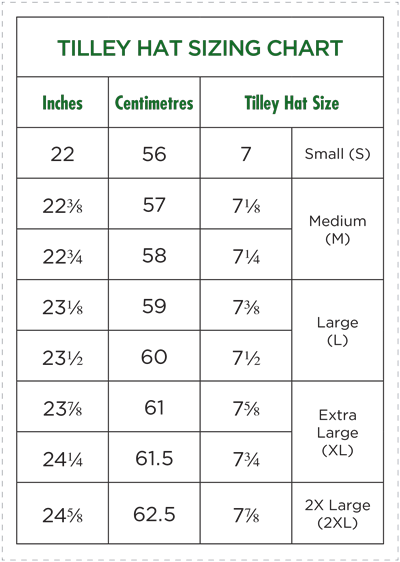
To me these instructions describe much different fit then what the chart specifies. Shown below:

sizeChart

Sizing instructions vs the sizing chart

The sizing instructions says it should, 1. Be held on by gravity, not painful pressure. 2. That you should be able to easily insert two fingers between the middle of your forehead and the front of the Hat. It also says, 3.The Hat should be loose enough that you can rotate it to the left and right, and lift it up and down, without friction on your forehead. Based on these instructions I picked at hat that sat low on my head, I could easily put two fingers between the hat and my forehead (without pulling the hat forward to create space), and one that I could rotate left and right. Basically a bucket type of fit.

When I started to suspect that I purchased the wrong size I called Tilley to ask about the fit. The woman told me to measure my head, then gave me my hat size. When I told her the size I purchased and she laughed, and said something to the effect it was several sizes too big. My head measured 22″, and I had purchased the 7 3/8″ It sat low as described, and matched all of the other characteristics of the sizing instructions. The hat actually became uncomfortable because it would either curl my ears over or they would go under the brim. Neither was comfortable.

Back to my dad. I went to Florida to visit my parents recently and one of the first things they said to me was my hat was too big. My dad let me wear his hat the entire time I was there, it was 7 1/8″, he said it was a much better fit and that my actual fit should be just a bit smaller. He was so right! I won’t mention that he may be the best Tilley hat salesman on the east coast. I noticed several people in his housing area with Tilley hats and he later told me it was because of him.

The way my proper hat size fits is not at all like the sizing instructions. It’s snug!, It’s not strangling my head, but I would call it snug. I have not tested this but, I think if I hung upside down it would not fall off. I can fit two fingers between the front of the hat and my forehead but, I have to pull the hat forward by the brim with a bit of force to create the space. I can rotate the hat left and right on my head but there is friction. Done fast enough I’m sure I could create a fire. The nice thing about wearing the proper size is that it no longer fell over my ears (which caused irritation). And, I could comfortably wear the hat with sunglasses and it did not interfere with the arms of sunglasses.

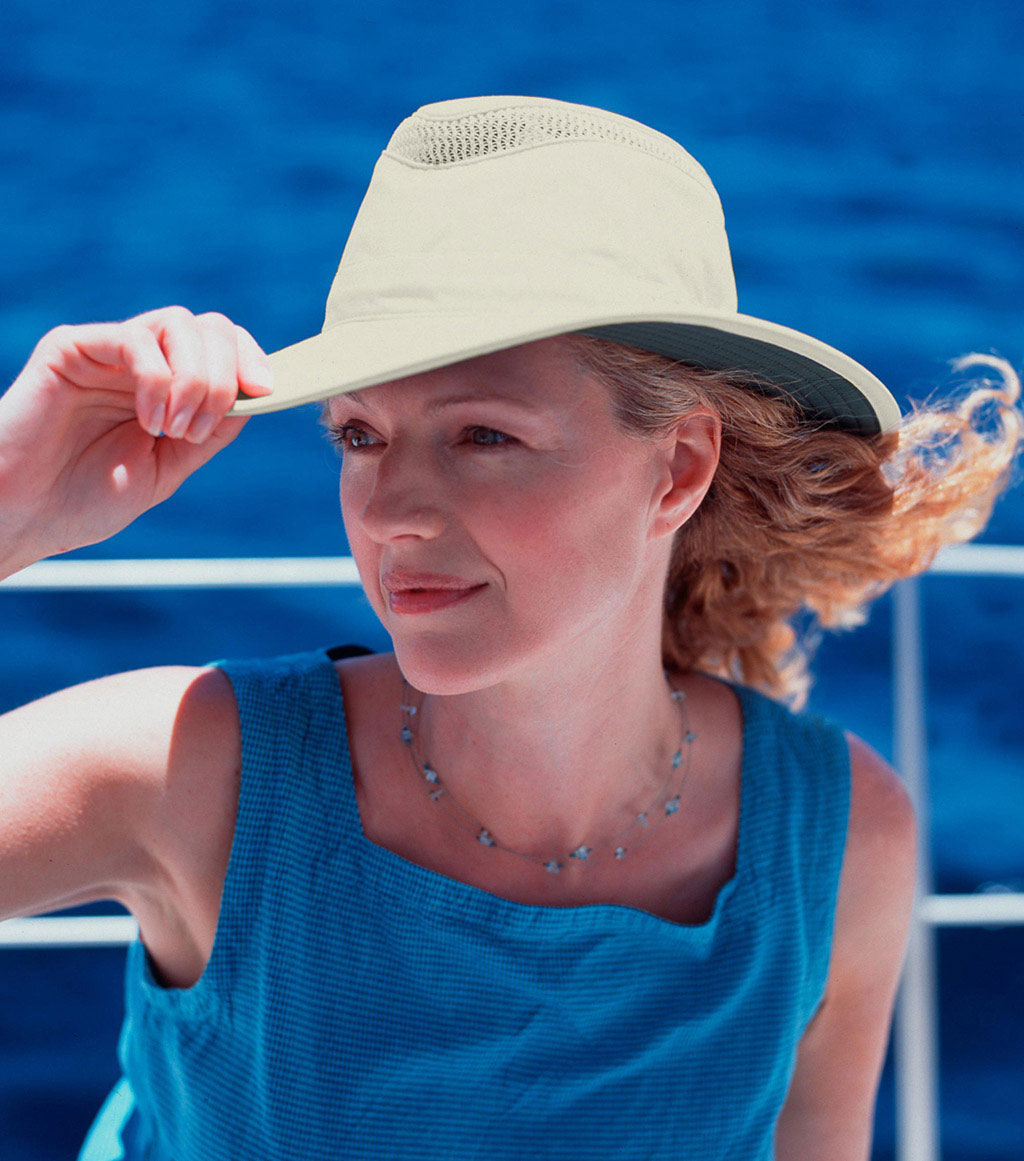
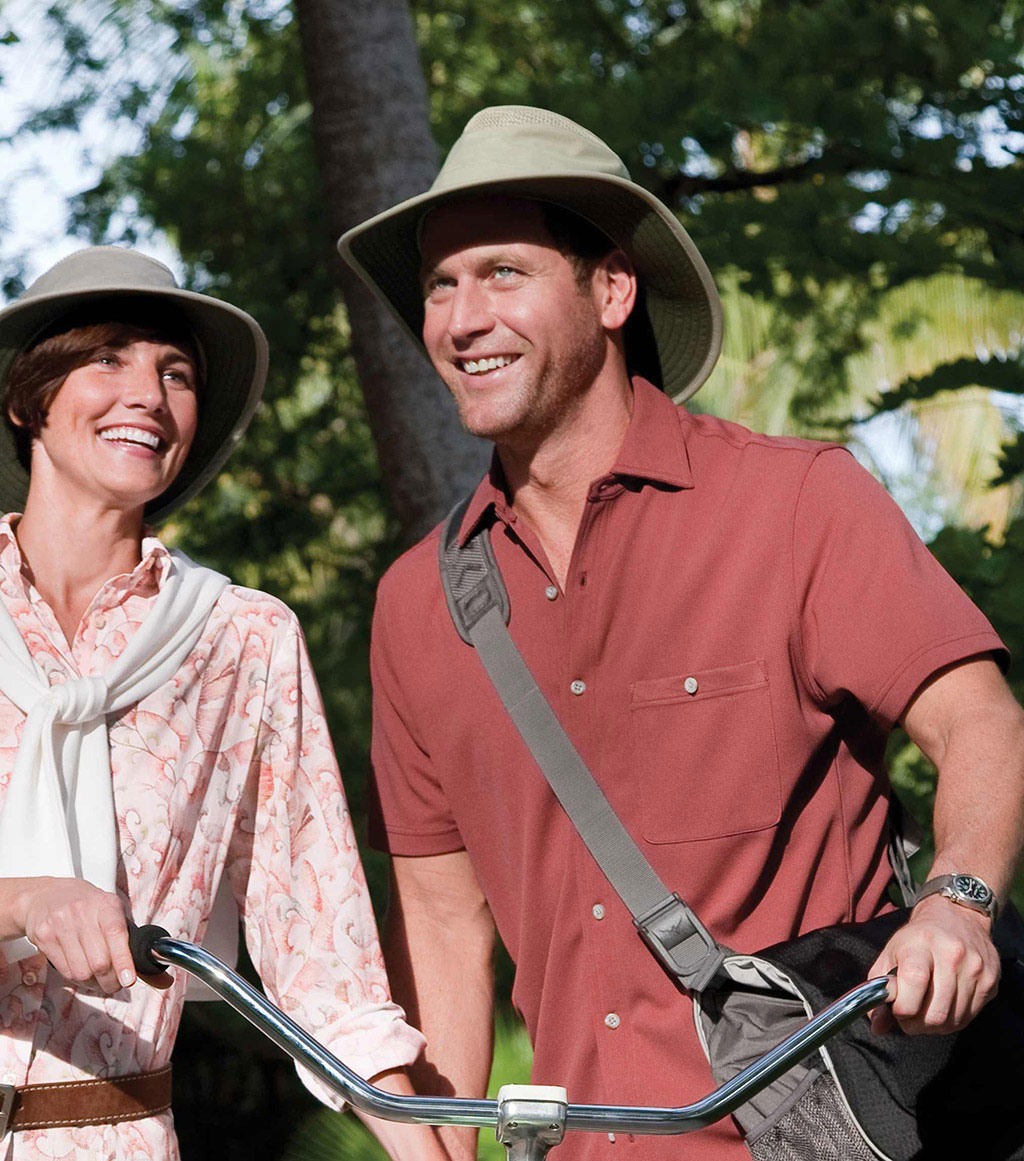
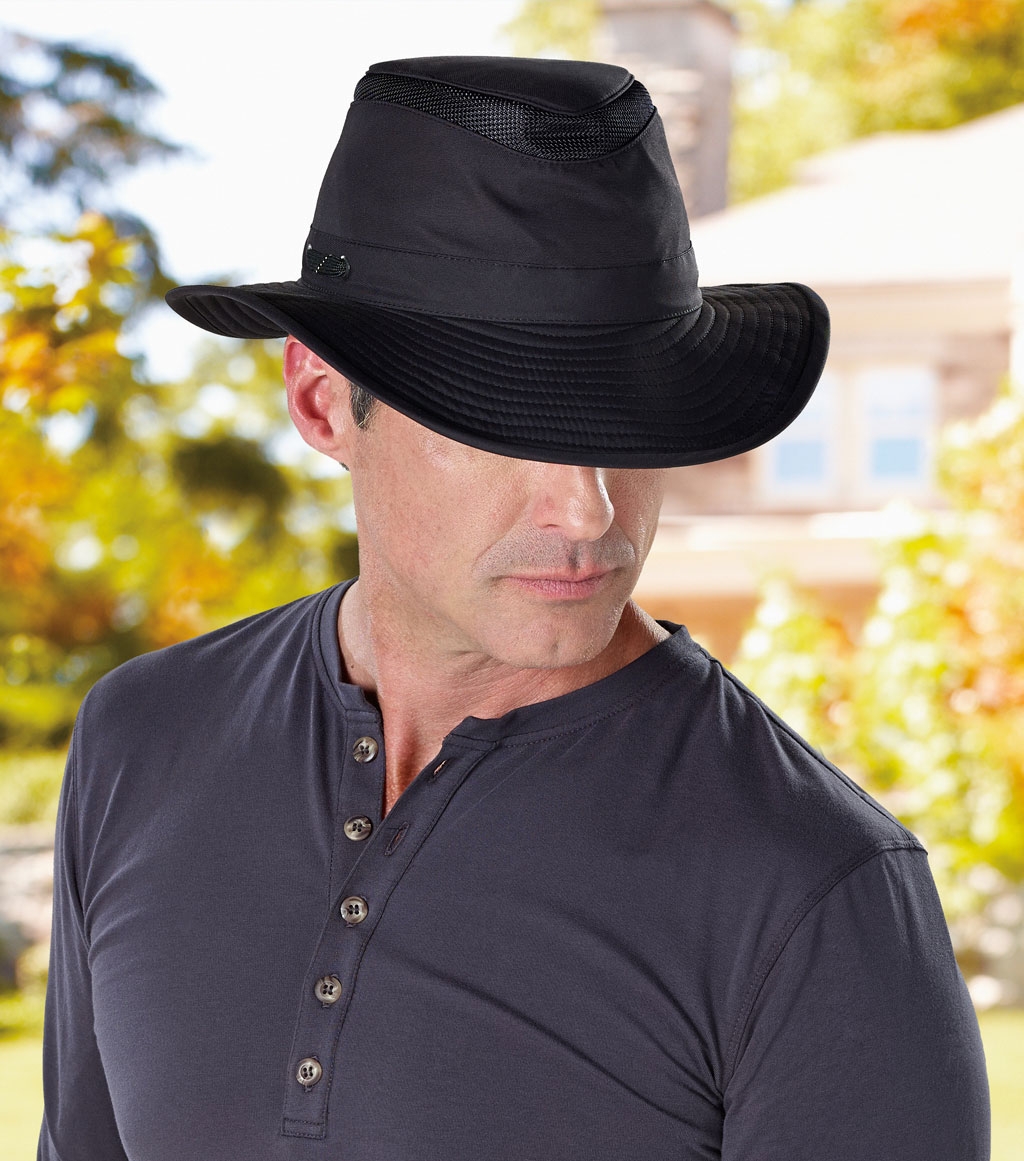
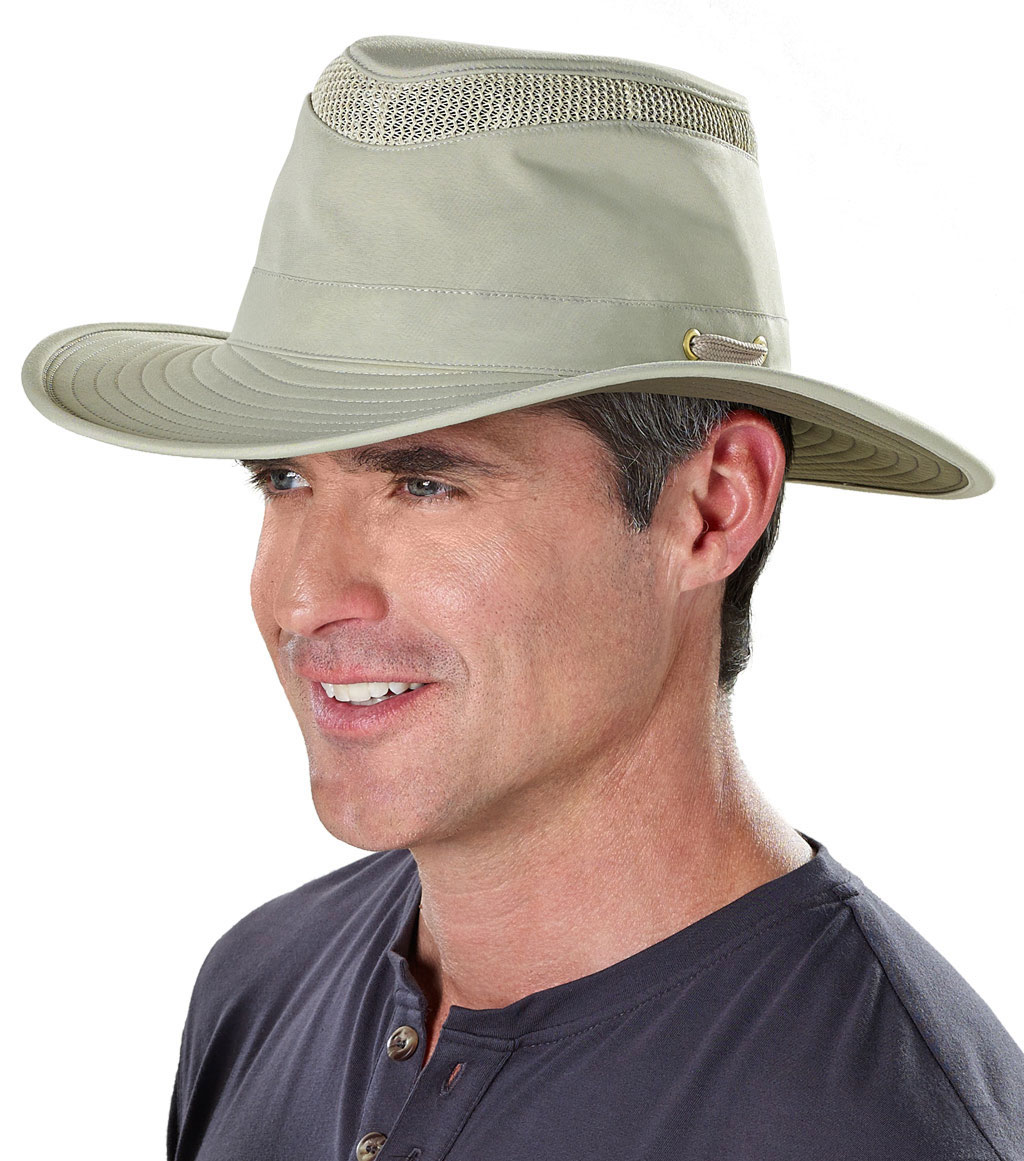
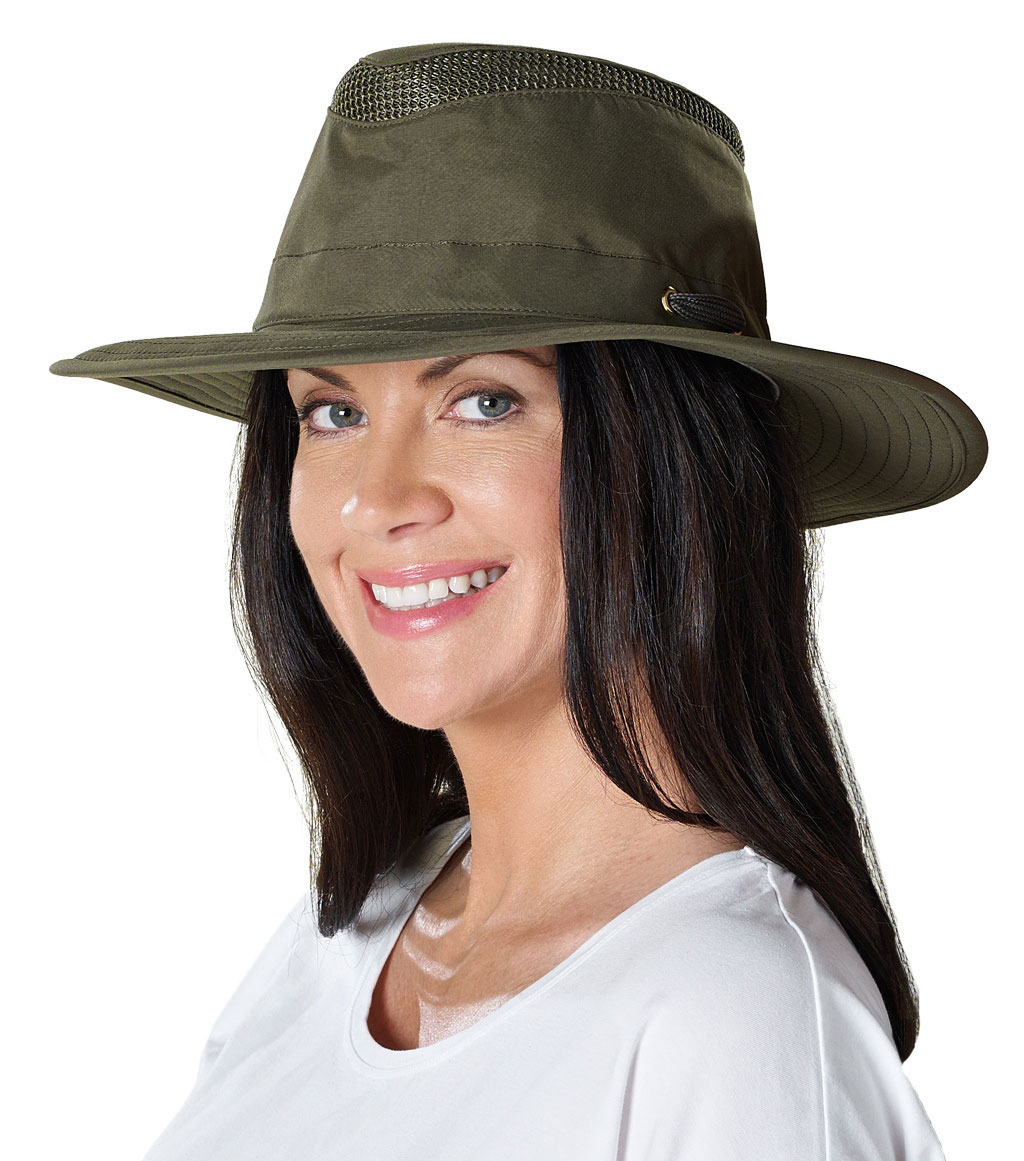
Below are the images of the hat on Tilley’s website:

LTM6_Image4LTM6_Image7LTM6_Image1LTM6_Image8

In all of the above photos the hat sits above the top of ears which does not coincide with  the sizing instructions. There is one photo below that show a fit more in line with the sizing instructions. In the above photos the hat sits down to about the middle of the forehead.

LTM6_Image10

This photo above seems more like the bucket style fit that the sizing instructions describe. We cannot see her ears, but I suspect it’s over or touching them. The hat sits down to the bottom of her forehead.

I believe there is a great great disparity between what the sizing instructions describe and what the sizing chart specifies. Which happens to be the LTM6.

I know somewhere deep within the Tilley headquarters sits one of my dads old hats on display demonstrating the durably, quality and longevity of this hat and the company behind it.